ONE LAST RIDE STUDIO
GTA 5 Goodbye
AI Video Generator
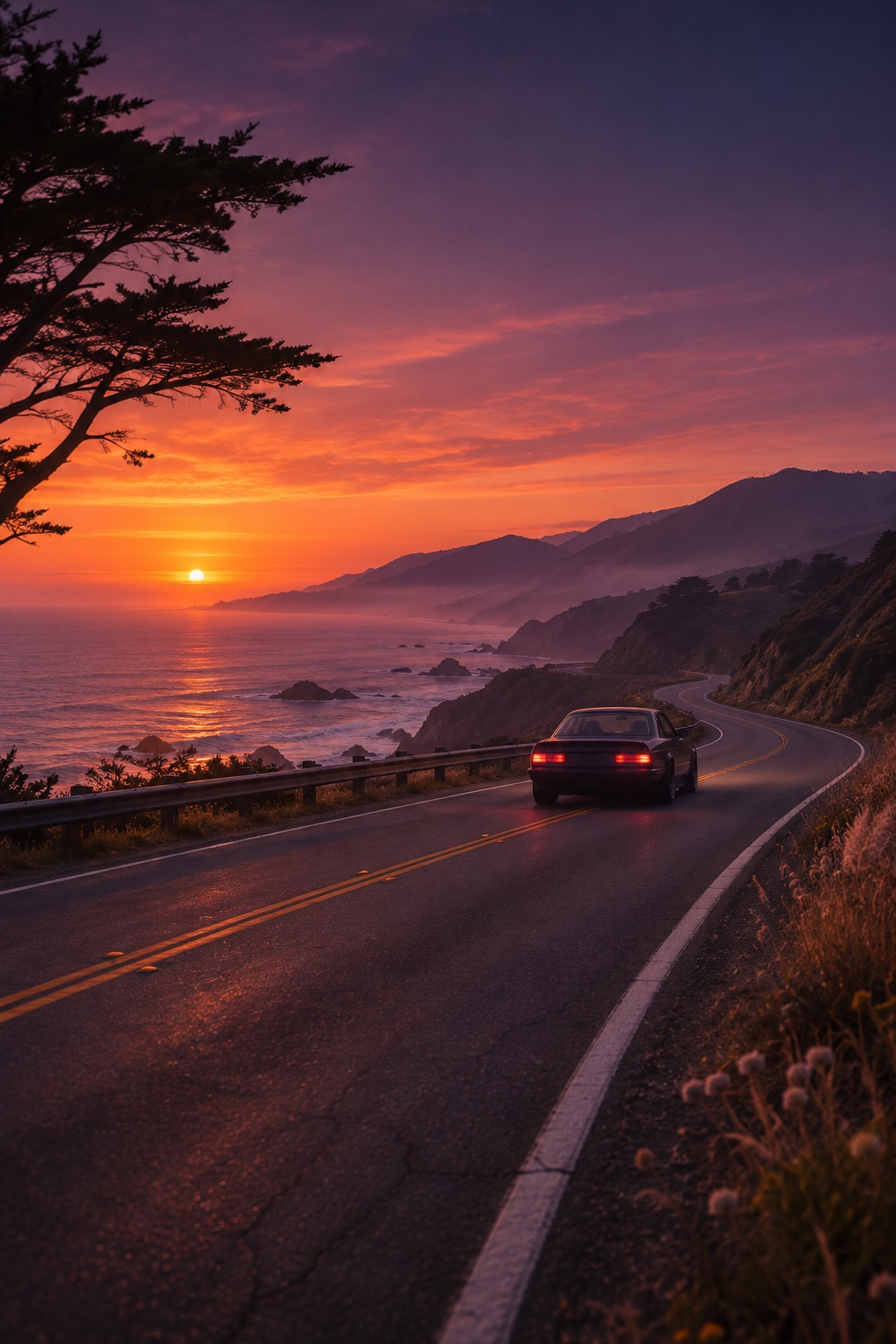
Make a farewell edit inspired by the GTA 5 Goodbye trend. One portrait, a sunset coastline, and one last drive out of town.
Set up your shot
Draft studioStart with a clear, front-facing photo of yourself or an adult who has agreed to the edit.
Your portrait preview stays in your browser.
Planned export
10 seconds · 9:16 · 720p MP4
Video generation and checkout are in setup.
THE SCENE
One look back.
Then the open road.
The GTA 5 Goodbye trend turns the move from GTA V to GTA VI into a personal farewell. This version tells that story with an original sunset drive and room for your own face and caption.
Get the coastal farewell promptBefore you make your edit
Do I need a childhood photo?
One clear adult portrait is enough for the planned One Last Ride template. The DIY guide also starts from a single image.
Can I make this in CapCut?
Yes. Start with a short vertical clip of your portrait, add an establishing shot and a road shot, then assemble and caption them in CapCut. See the step-by-step edit.
Can I check how my photo is framed?
Choose a JPEG, PNG or WebP above to preview the crop. You can remove it at any time.